01↗
Create.
Give your type a name. Choose its style, dimensions, profiles and optional shutter.
THE DESIGN STARTS HERE.WINDOWSHELM 1.0 / ARCHITECTURAL WINDOW SYSTEMS
Good architecture
starts with an opening.
Less reading.
More doing.
Fixed glazing. A little stillness in the system.
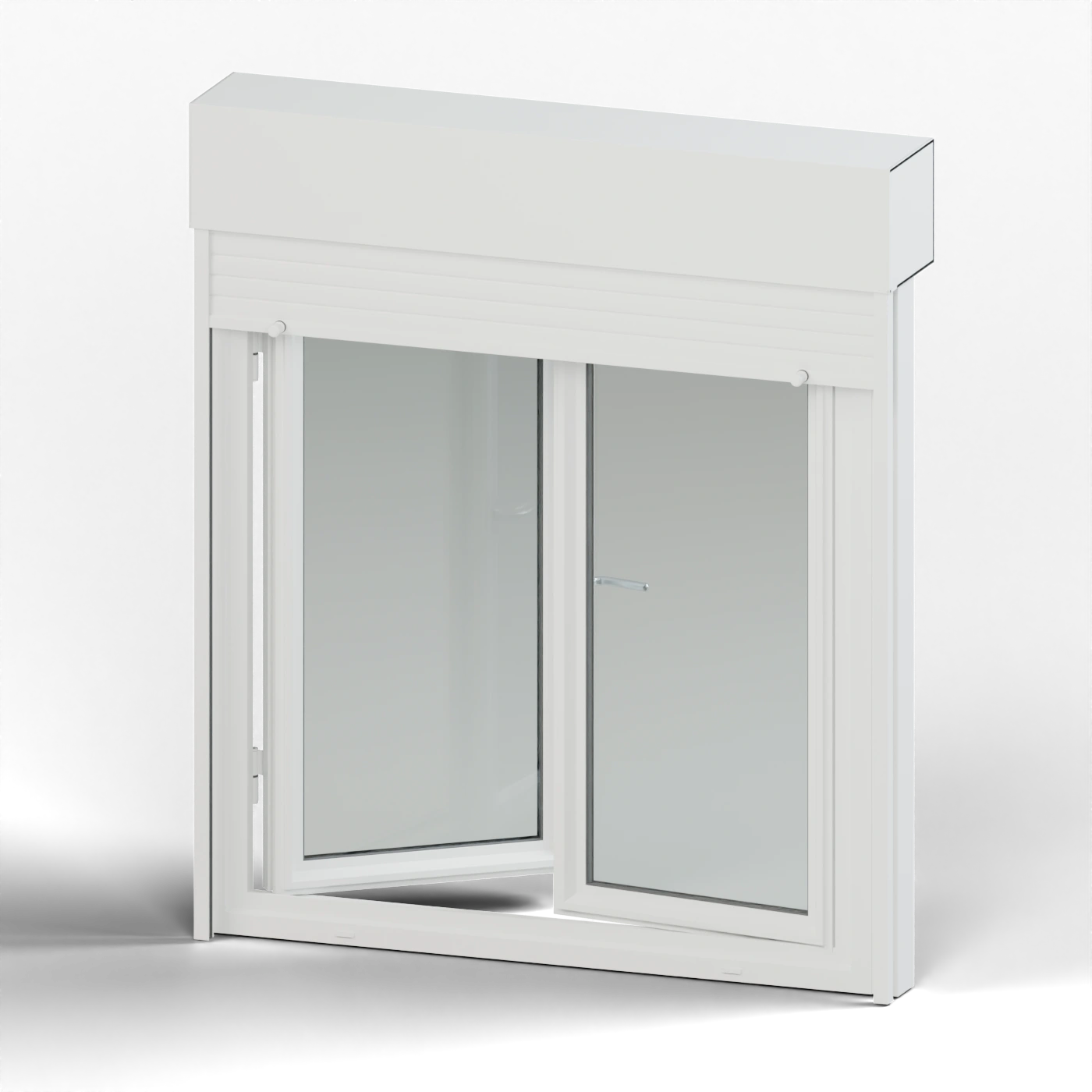
The awning raises the shutter to keep the opening clear.
Two hinged leaves. Independent opening. One coherent design.
3D inspection · Native geometry & sampled addon motion · Simplified web materialsA whole building needs consistency.
A good design needs exceptions.
Create a shared window type. Change its design across the project, or give one window its own values. It stays in the family.
See how it fits your workflow ↘Window 02 keeps 1.40 m. Its other design fields still follow Type A.
Change inherited fields across its members.
Customize one window without removing it.
Restore inheritance or unlink the active window.
Profiles with character.
Hardware with purpose.
Details that hold the close-up.
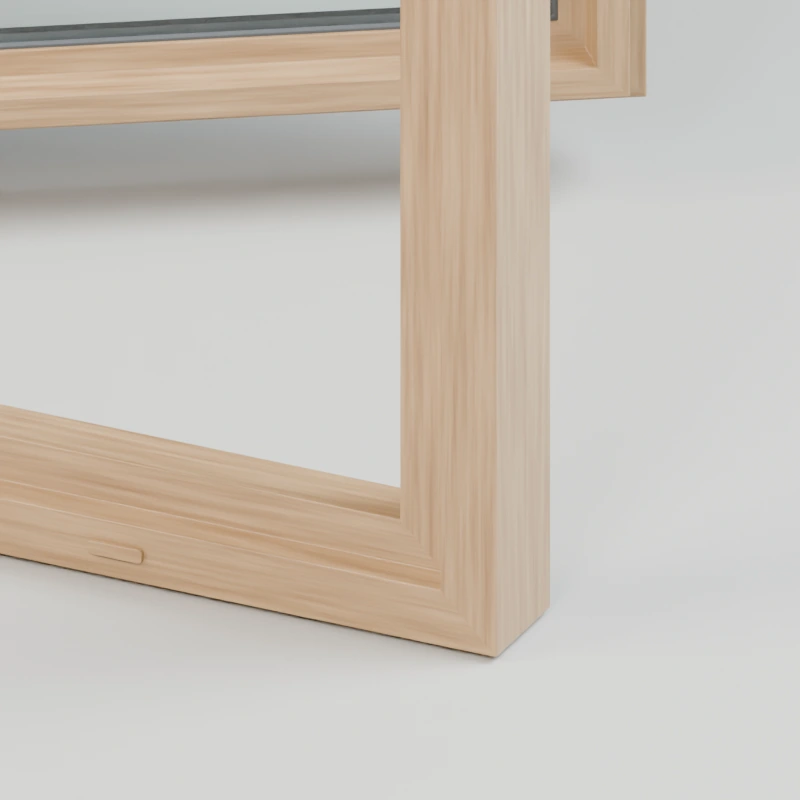
Moulded timber sections and grain that follows each rail. Choose oak, walnut or painted wood in the addon.
Double or triple glazing, pane thickness and cavities. Choose daylight-oriented or physical refraction modes.
Dedicated frame, glass, shutter and hardware material controls keep your look through parametric edits.
Roller box, profiled slats, guides, belt winder or motor option. Add an exterior sill when the design calls for it.
Three clear stages.
No guessing which design you’re editing.
Give your type a name. Choose its style, dimensions, profiles and optional shutter.
THE DESIGN STARTS HERE.Use the 3D cursor, prepared points or two-click wall placement. Check direction and inset depth.
POSITION IS ALWAYS LOCAL.Work on the type or the individual window. Pose leaves and shutters independently, with optional motion keys.
A SCOPE FOR EVERY CHANGE.Prepare wall openings yourself. Placement does not cut walls, detect hole dimensions or resize a type to fit.
One complete edition.
No activation account. No telemetry.
SceneHelm is not required.
The WindowsHelm 1.0.0 extension, full Python source and GPL licence, English getting-started instructions, a six-page PDF user guide, searchable documentation and eleven style preview icons.
Keep the addon ZIP compressed. In Blender, open Edit → Preferences → Get Extensions, open the menu and choose Install from Disk. Enable WindowsHelm, then open its tab in the 3D Viewport sidebar with N.
The documented target is Blender 5.2 LTS. Future Blender-version compatibility is announced after validation. The addon operates locally and does not require third-party Python packages.
Design changes can rebuild generated meshes and replace direct manual mesh edits. Use design parameters and custom-material controls for changes that should persist. Thermal profiles are visual models, not engineering certification.
Contact the creator through the product’s Superhive messaging channel. The first-response target is 72 hours. Released 1.x maintenance updates are included; future major versions may have separate terms. Standard support covers installation, documented workflows and reproducible addon issues.
The playground uses exported WindowsHelm 1.0.0 geometry and motion sampled from the addon’s controls, including the roller path. Surface finishes and lighting are web previews. The linked-window facade is an interactive workflow illustration. Blender’s parametric engine does not run in your browser.